Plan with purpose.
Bring stores, teams and routes together. Build visit schedules around the way your operation works.
ROUTES & JOURNEY PLANS
Great execution starts with a clear picture. Connect your field teams, shelf-level data and business decisions with mimz.
01 / A CLEARER WAY TO WORK
Stop piecing your operation together from spreadsheets, messages and disconnected photos. Give every visit a purpose—and every decision the evidence it needs.
Bring stores, teams and routes together. Build visit schedules around the way your operation works.
ROUTES & JOURNEY PLANSCheck in, complete shelf tasks and capture photos. Keep the context attached to every store visit.
FIELD EXECUTION & EVIDENCETurn store-level observations into operational reports. Find gaps and give your next action a clear starting point.
VISIBILITY & REPORTING02 / YOUR OPERATION, CONNECTED
From the merchandiser’s first stop to the manager’s daily review. Explore the tools that connect the work.
Organize stores into routes, assign your field team and turn visit frequencies into a practical weekly journey plan.
Give merchandisers a structured visit workflow, from GPS check-in to task completion and photo capture.
Understand what your team finds on the shelf: availability, prices, facings, expiry and planogram compliance, against each store’s product list.
Review execution across your stores and team. A command centre for today’s exceptions, and reports you can filter, drill into and export.
03 / INSIDE MIMZ
These are screens from mimz itself, running on demo data. Pick a module to look around.
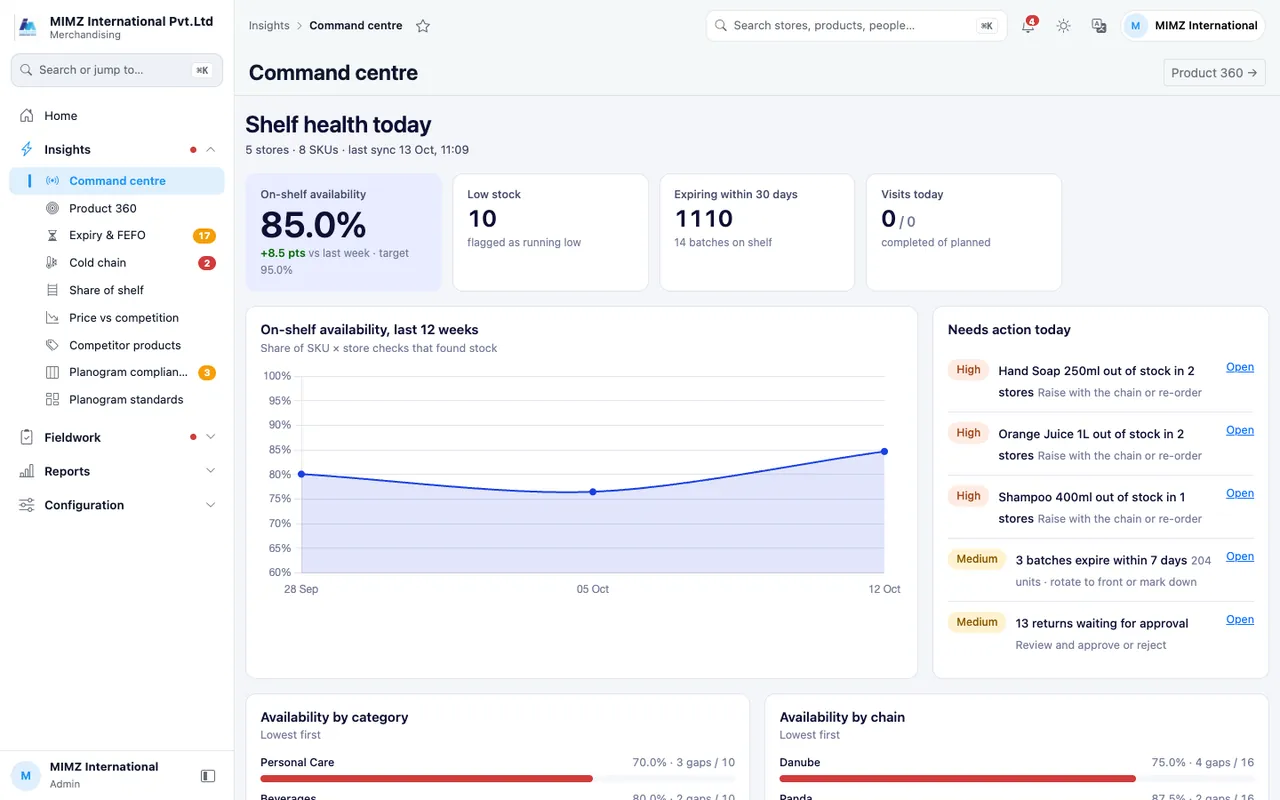
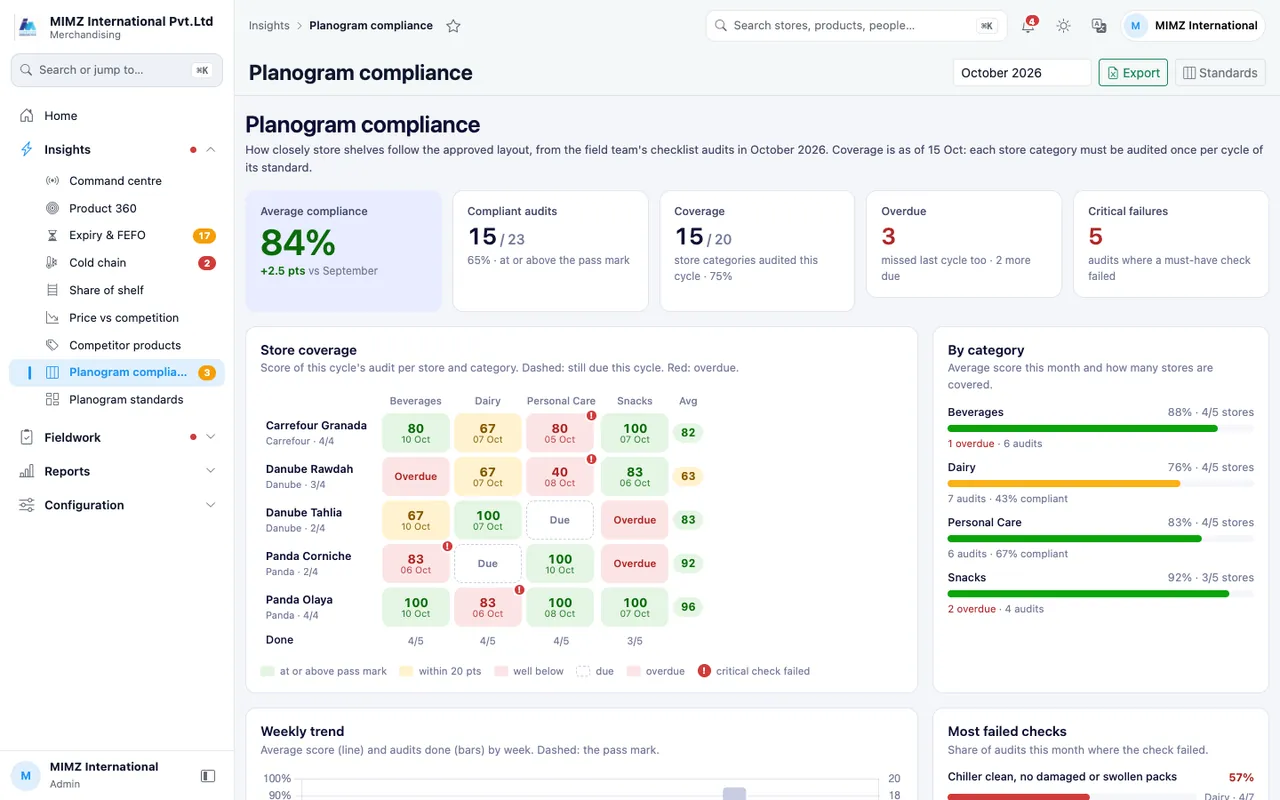
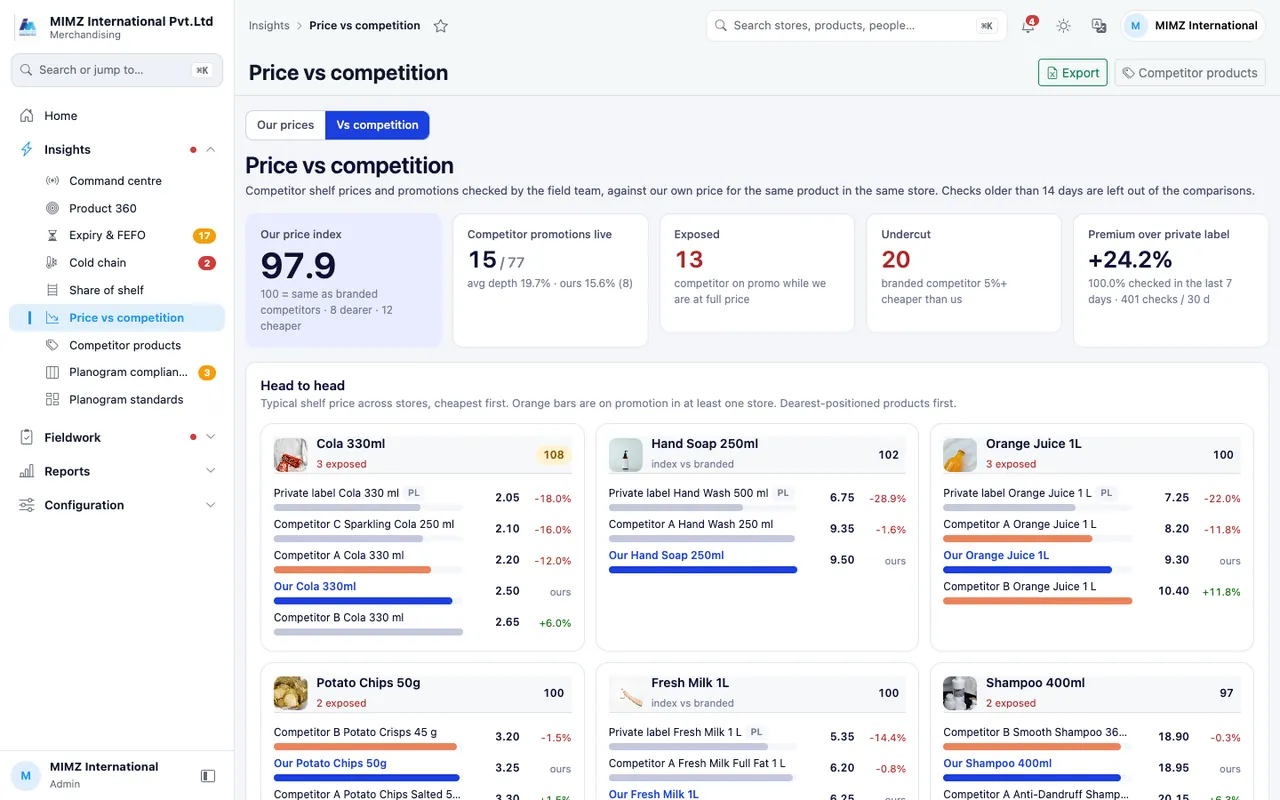
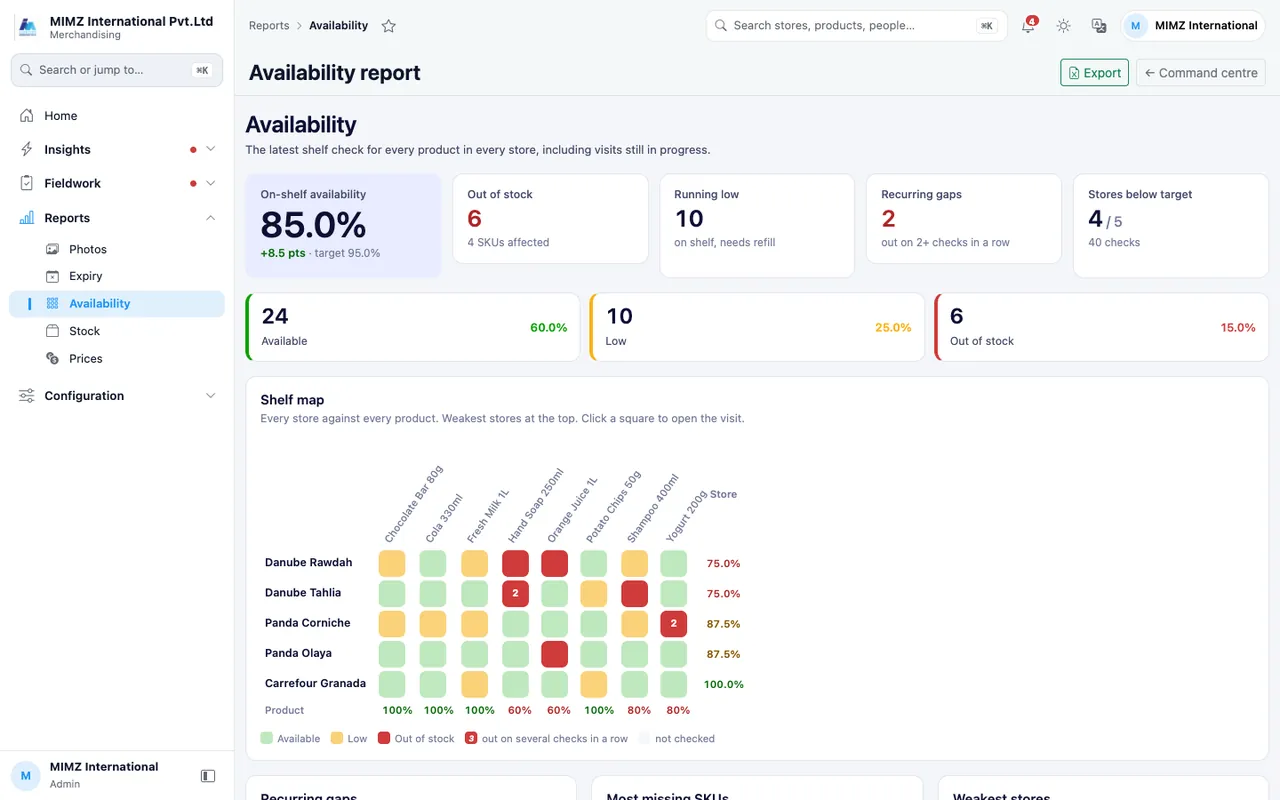
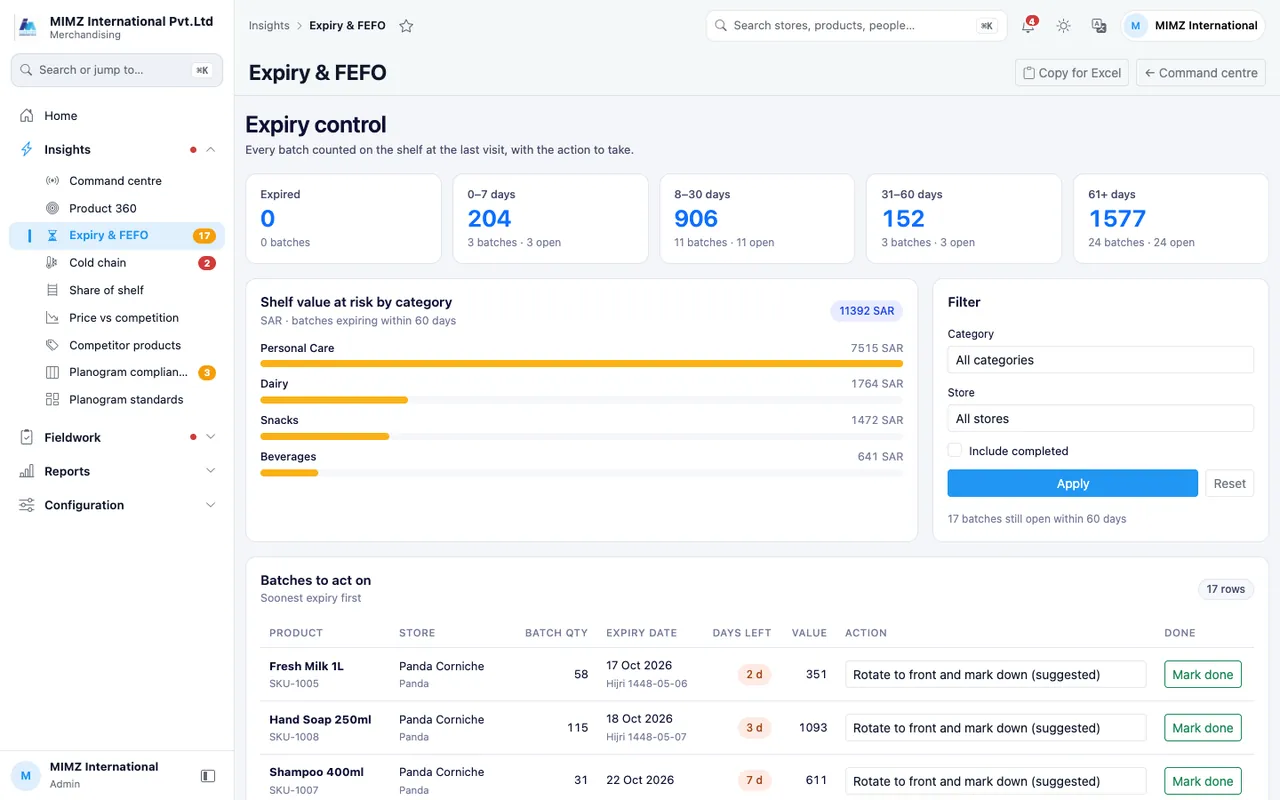
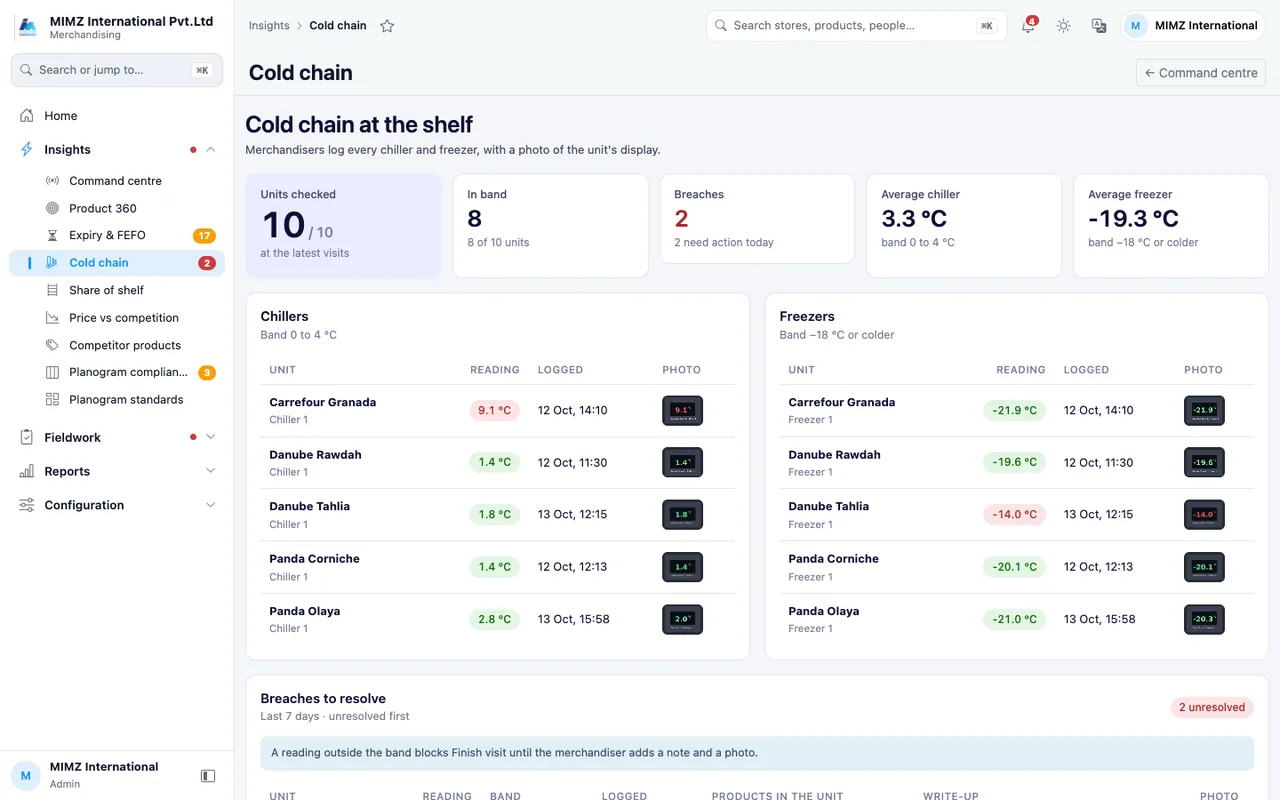
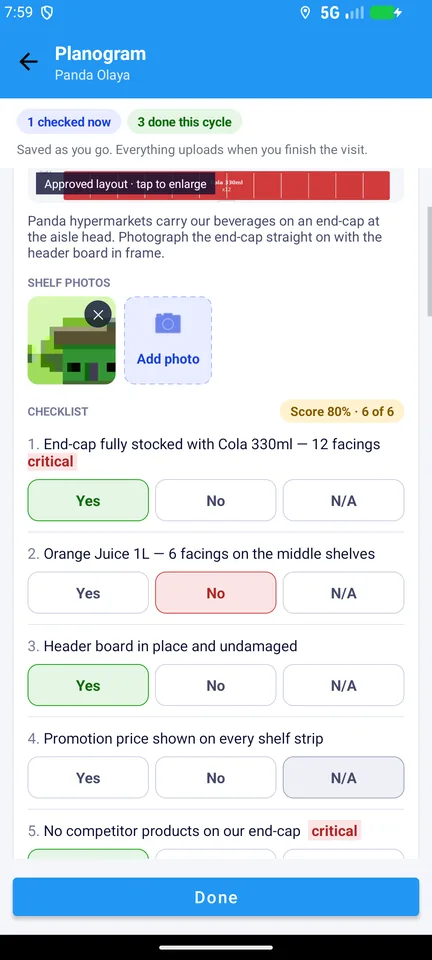
Screens from the mimz demo workspace. Store names and figures are sample data.
04 / OUR TEAM IN THE FIELD
mimz merchandisers visit your stores on a planned route. Everything they do is recorded in the mimz app with GPS, time and photos, so you see the work as it happens.
 WHERE THE WORK HAPPENS.
Merchandisers photograph each category when they arrive and again when they finish. Both photos are saved with the visit, so you can see exactly what changed.
Drag the line to compare.
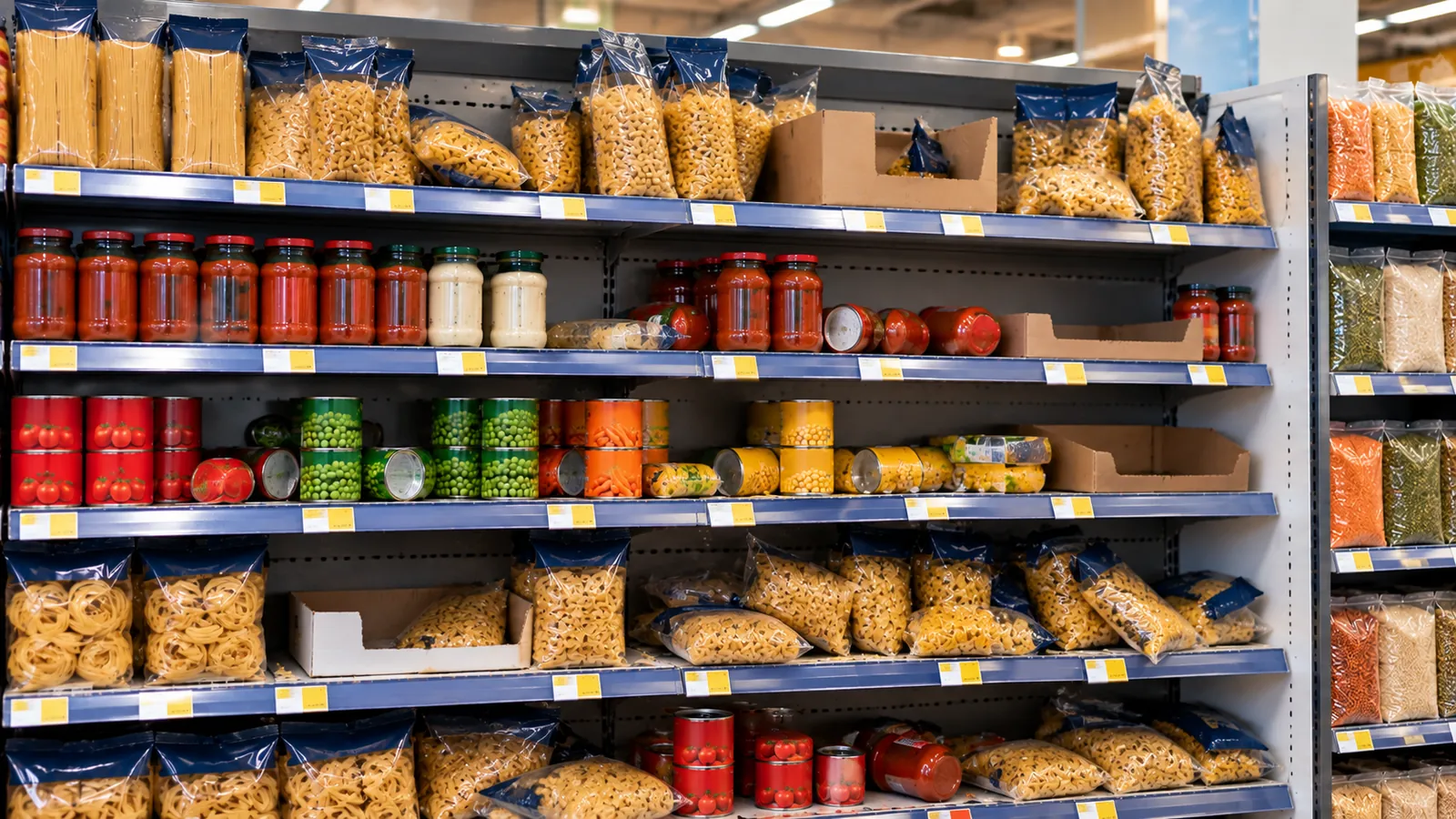
 BeforeAfter
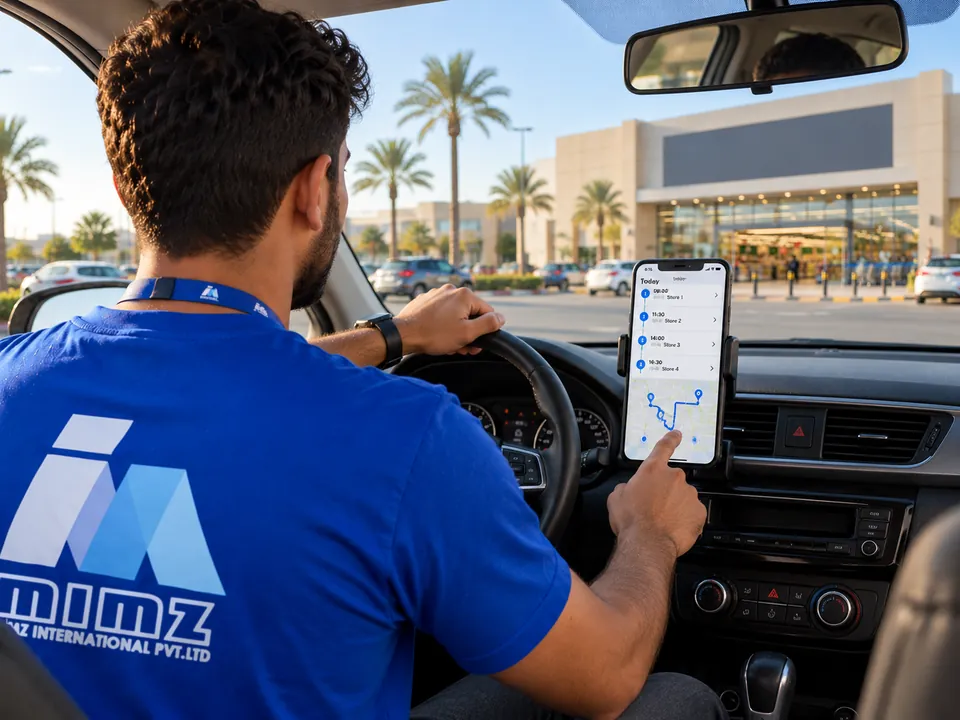
Each merchandiser starts the day with a route: which stores, in what order and at what time. A missed visit shows up in journey-plan compliance.
ROUTES & JOURNEY PLANS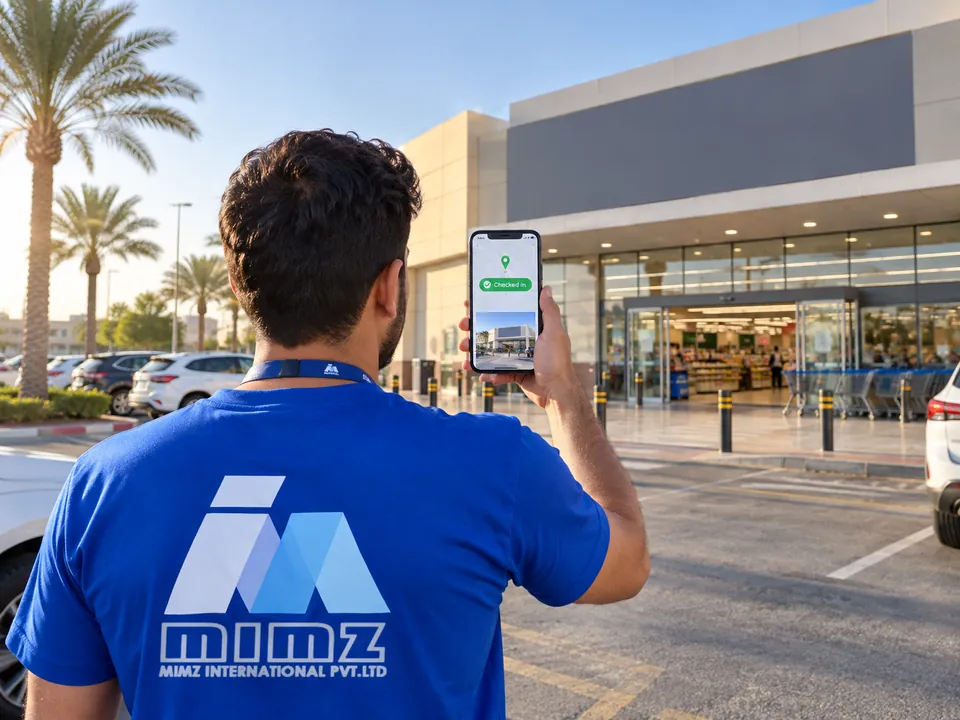
The visit starts at the store entrance. The app records the location and the time, and the merchandiser takes a store-front photo.
GPS CHECK-IN · STORE-FRONT PHOTO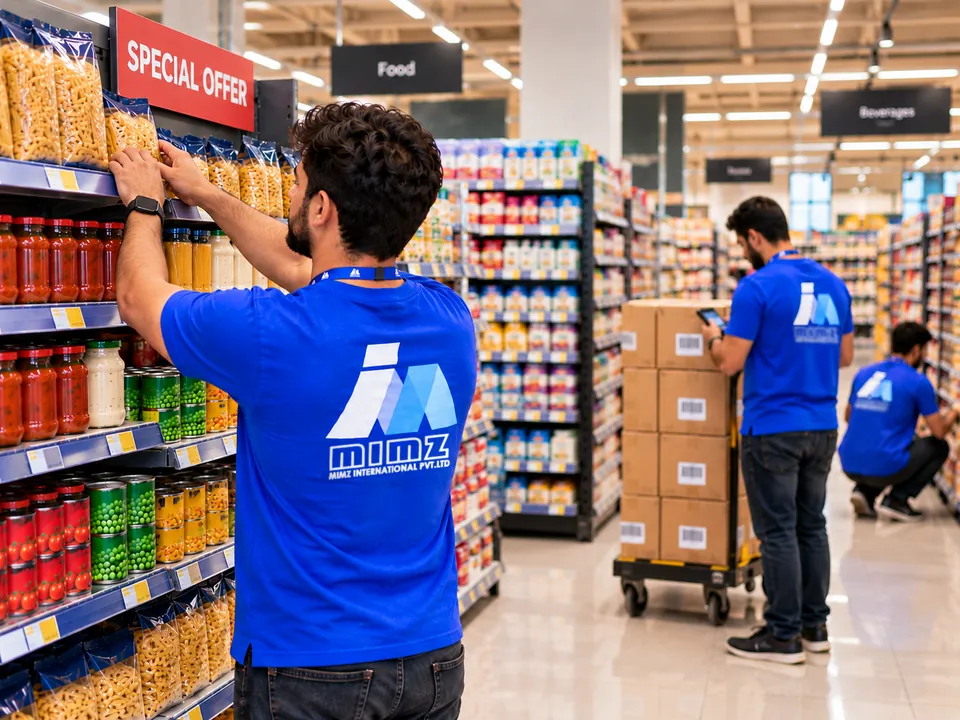
Every must-stock product is checked on the shelf. Gaps are refilled from the back store, and anything still missing is reported as out of stock.
MUST-STOCK & AVAILABILITY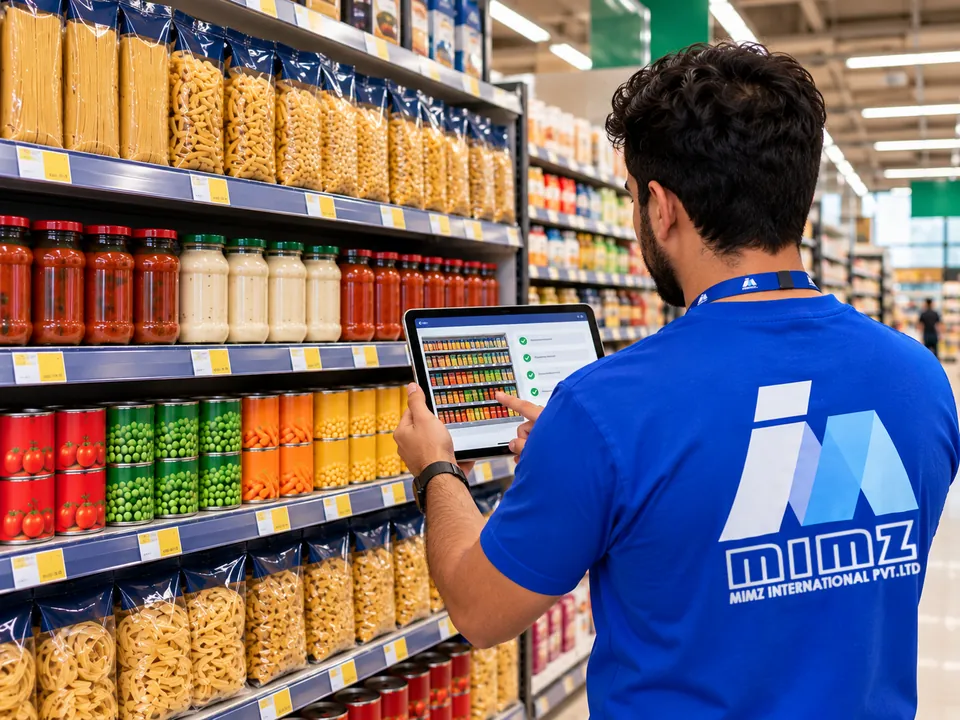
The approved layout is on the tablet. The merchandiser compares it with the shelf, answers the checklist and photographs the result. Each store gets a compliance score.
PLANOGRAM COMPLIANCE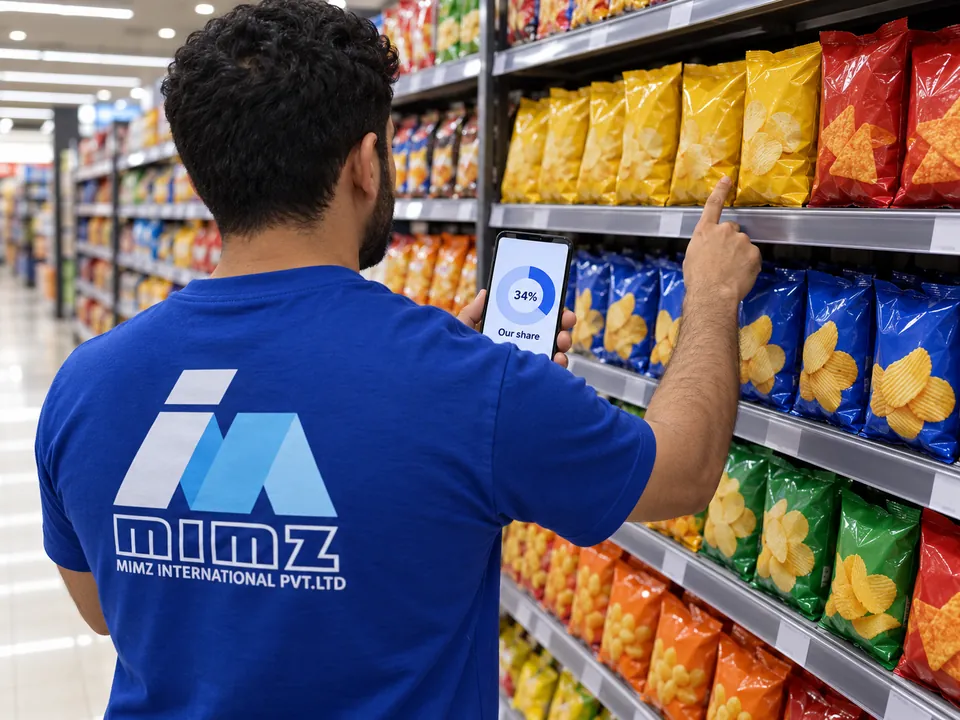
Facings are counted brand by brand, so you know how much of the shelf is yours and how that changes from visit to visit.
SHARE OF SHELF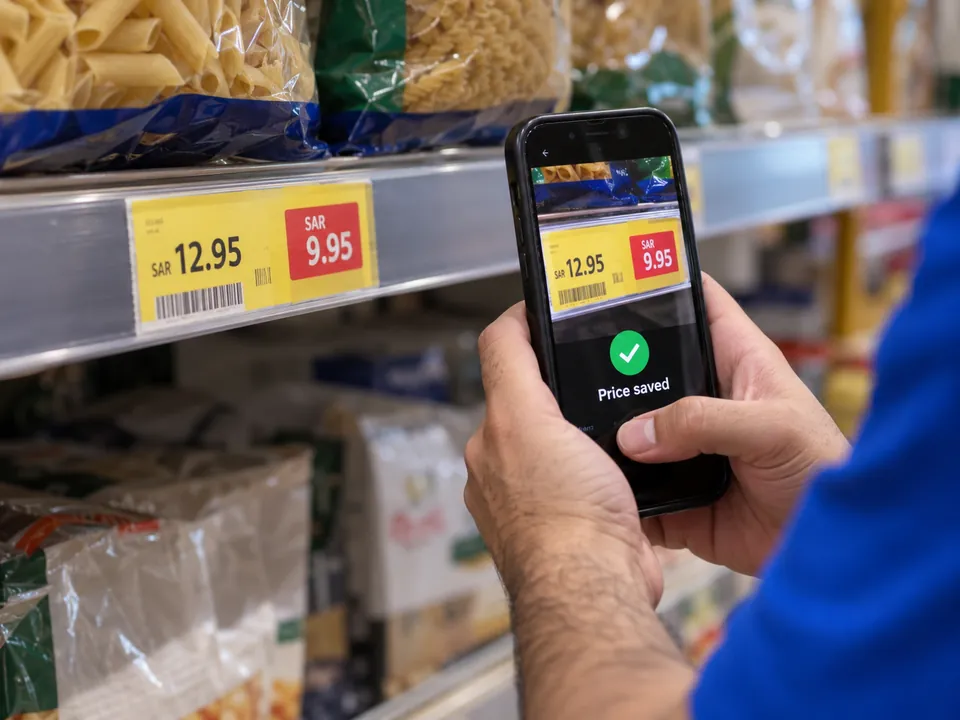
The price on the shelf and any promotion are captured in store. You see your own price in every store, and every change to it.
PRICE CHECKS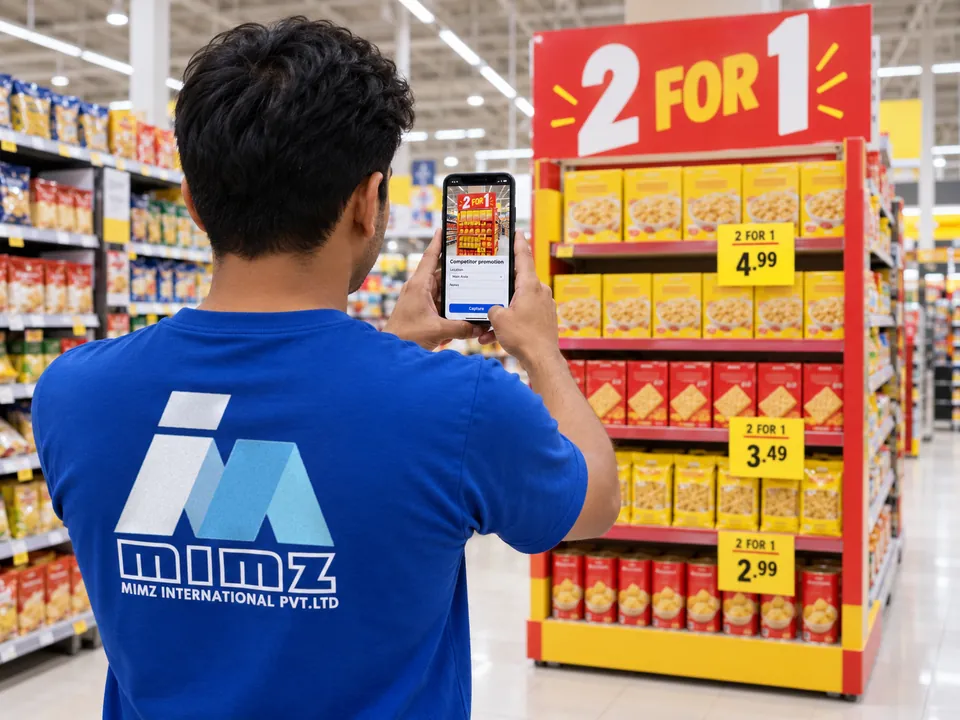
Competitor prices, promotions and displays are recorded with a photo and set against your own price for the same product.
COMPETITOR TRACKING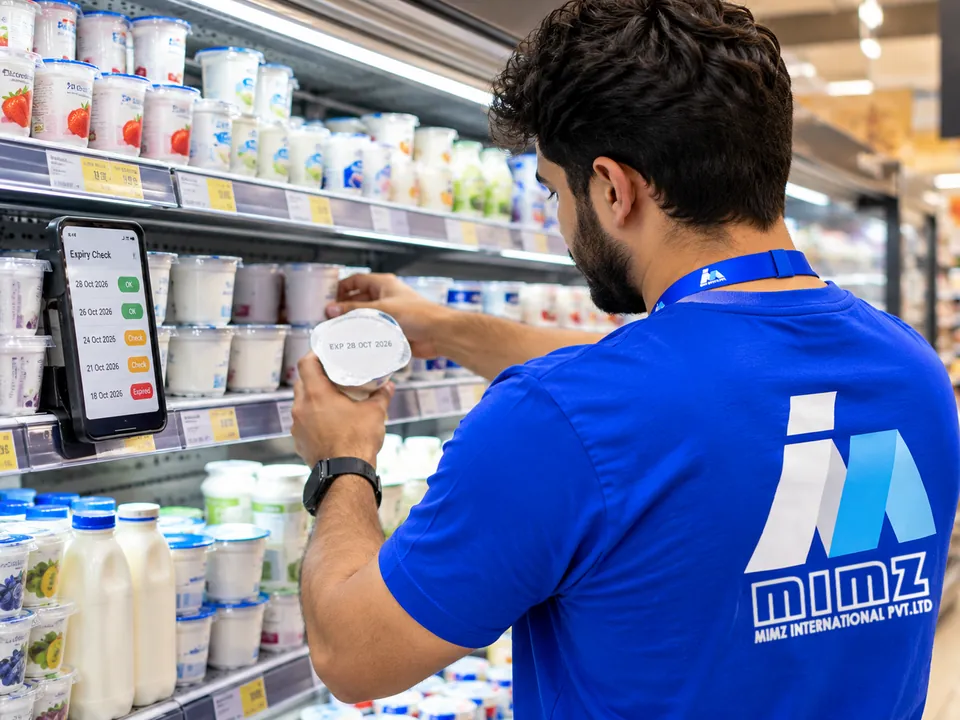
Expiry dates are recorded batch by batch. The shortest dates go to the front, and stock close to expiry gets an action: rotate, mark down or pull.
EXPIRY & FEFO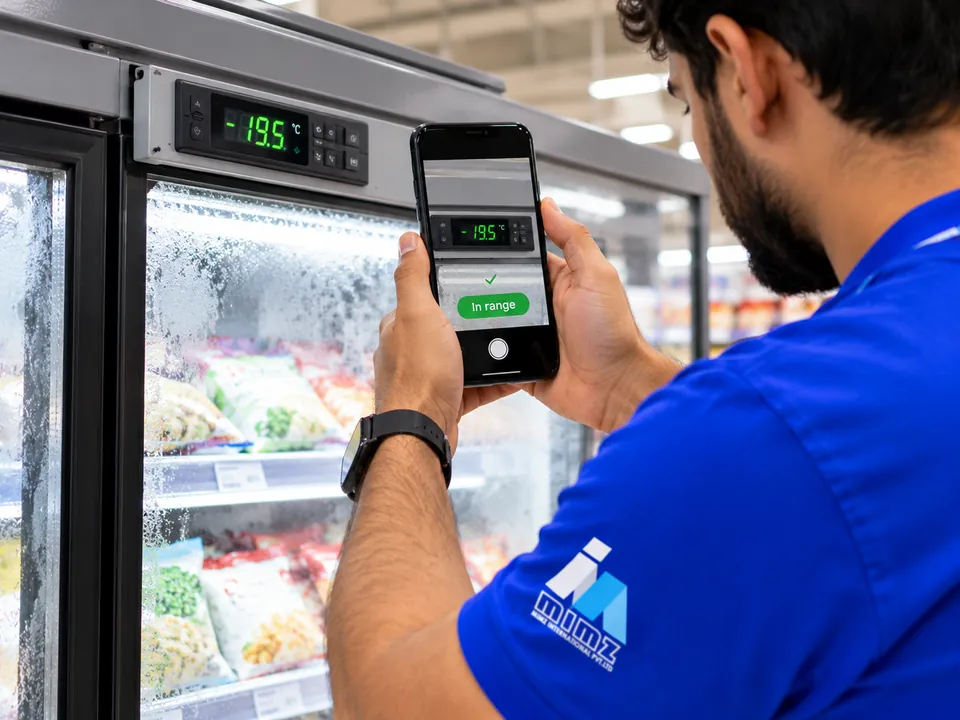
Temperatures are read on every visit, with a photo of the display. A reading out of range is flagged and followed up with a note.
COLD CHAIN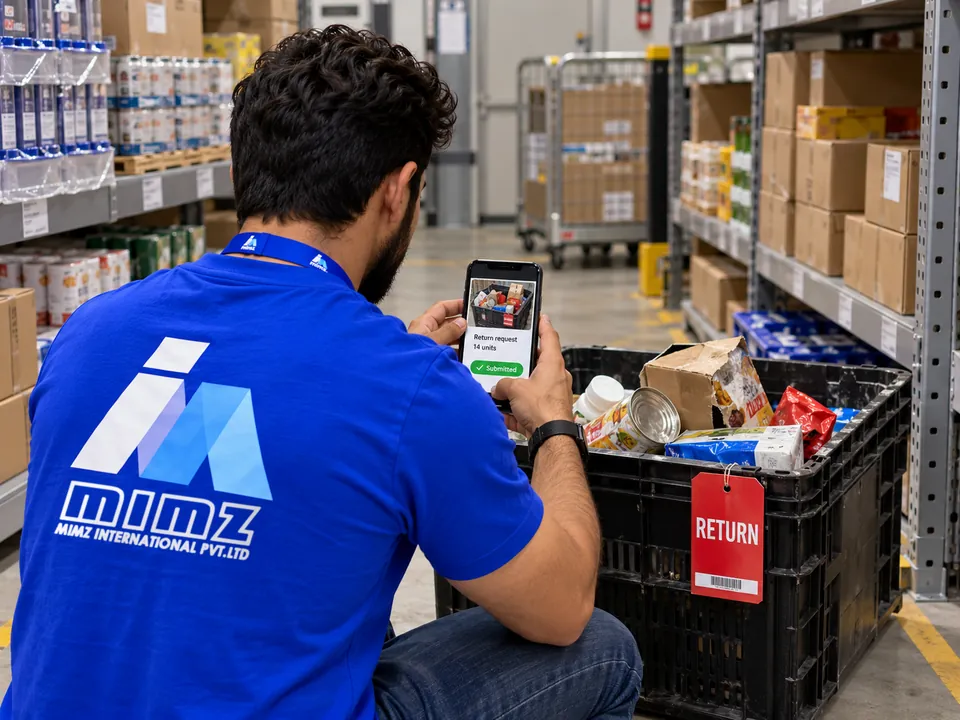
Damaged and expired stock is pulled, photographed and logged as a return. The office approves it and the vendor collects it.
RETURNS TO VENDOR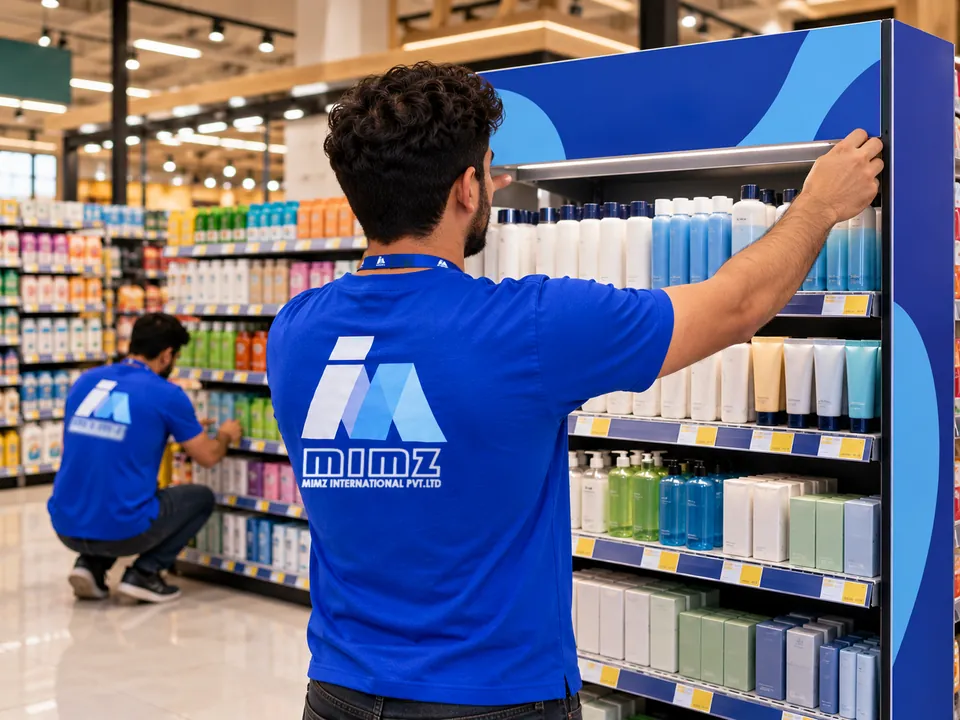
Promotion stands and end-caps are built to the agreed layout, with before and after photos as proof.
DISPLAY EXECUTION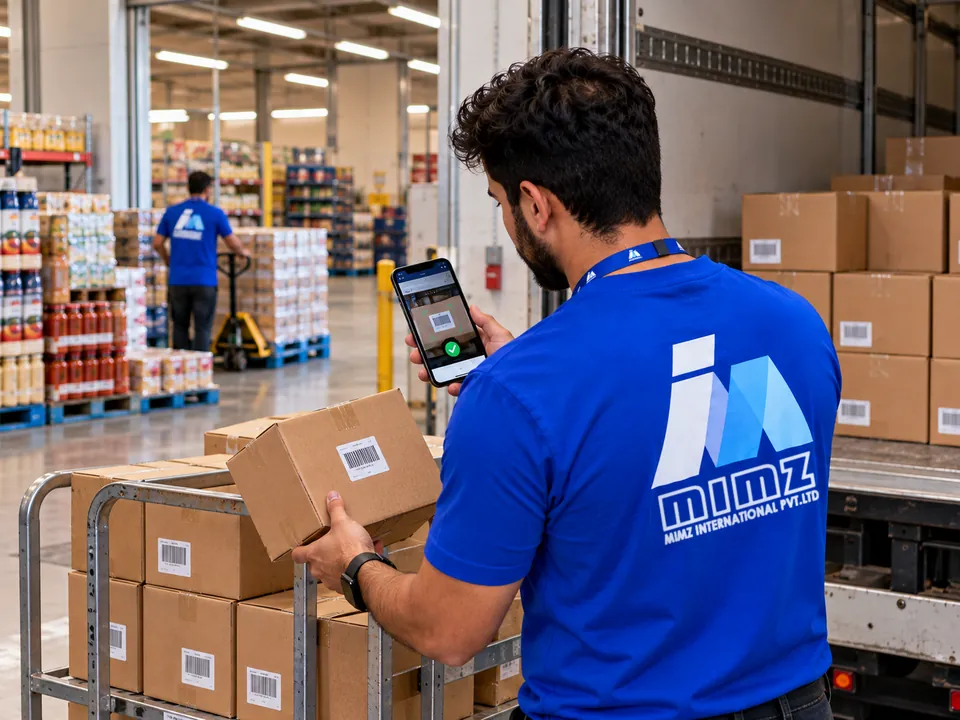
Deliveries and back-store cartons are moved to the shelf, and the units on the shelf are counted, so you can see what each store holds.
STOCK ON SHELF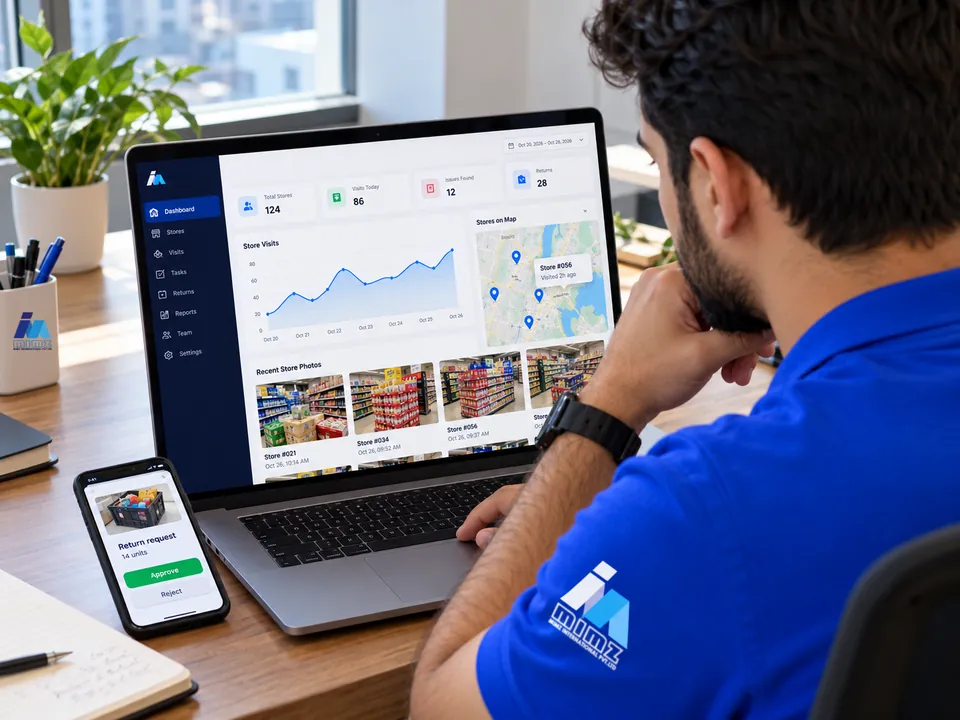
Visits, photos, prices, returns and alerts reach the mimz dashboard while the team is still in the store. Approve returns, follow up the exceptions and export reports for every store.
Complete field tasks without a connection and sync captured data when connectivity returns.
GPS, stock observations, prices and photo evidence come together in a structured record.
Photos on this page illustrate the work our merchandisers do in store.
05 / YOUR TEAM. YOUR OPERATION.
A shared view for every part of the retail operation. Choose your team to see where mimz fits.
Track must-stock availability, planogram compliance and your prices against the competition. Review visit evidence and focus your next conversation on the stores that need attention.
Organize stores and field teams by territory. Plan coverage, follow visit completion and bring stock and expiry observations back into your daily operational review.
Coordinate merchandisers, store assignments and photo evidence. Use structured visit records and operational reports to make the work easier to review with your clients.
Let’s discuss your operation ↗EVERY VISIT · EVERY STORE · EVERY DECISION
One connected view of the people, places and products that make your operation work.
See what’s possible ↗Store and product data, field teams, route plans, GPS-verified visits, shelf observations, photo evidence and operational reporting—all within one merchandising workflow.
Yes. The web dashboard and the field app both work in Arabic and English, and each person can switch language at any time.
The mobile workflow supports offline capture. Teams can continue their visit tasks and sync data when a connection becomes available.
Yes. You set the approved shelf layout and checklist for each category, and the competitor products to watch. Merchandisers capture both on the visit, and you see compliance scores and price gaps by store.
Yes. Store and product masters are part of the platform. In your demo, we’ll discuss your data structure, must-stock lists, routes and the best setup for your team.
Visit completion and journey-plan compliance, availability, our and competitor prices, expiry, planogram compliance, share of shelf, cold chain and returns. Reports export to XLSX.
Pricing depends on your team and operating needs. Share your field team size and coverage with us, and we’ll discuss a proposal suited to your operation.
07 / LET’S CONNECT THE DOTS
Tell us a little about your operation. We’ll walk you through the platform with your team’s needs in mind.
hello@mimz.kubes360.com ↗A personal walkthrough.
A conversation about your stores.
A plan for what comes next.